

You can feel something is off in an essay draft almost instantly.
The sentence sounds too stiff. The wording feels suspiciously polished. One paragraph may have come out of ChatGPT a little too smoothly. Another still needs tweaking before submission. That is where you need the right AI tool.
Yet, most roundups throw every possible app into one giant AI tools list and call it helpful. That does not help when you are staring at one essay, one deadline, and one professor who may care a lot about originality. Students do not need endless features. They need tools that solve specific problems fast.
So, let’s look at the five AI tools for students that do exactly that: detecting AI-like writing, humanizing awkward text, scanning files, and checking suspicious passages without turning the whole process into a second homework assignment.
Detector.io works well when you want fast checks
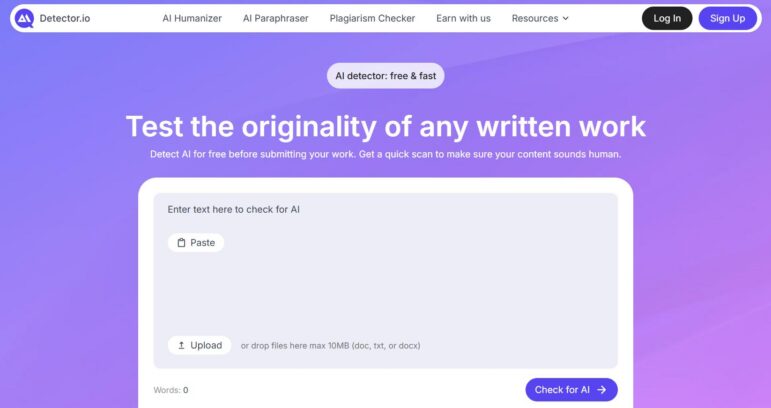
Detector.io is a strong pick for students who want a simple scan before turning in a paper. The site presents itself as a free detector that checks for patterns often associated with AI writing, supports English, and allows scans up to 3,000 words per use. That makes it useful for reviewing one essay section at a time.
The AI checker is not trying to be your brainstorming coach, research assistant, and editor all at once. When a tool has one clear job, it is easier to understand what result you are looking at and what to do next.
Why students may like it
- Clear, low-friction workflow
- Free access
- Good for checking chunks of essays, reflections, and discussion posts
- Useful when you want a second look before submitting
Possible downside
- English-only support right now
- 3,000-word limit means longer papers need to be split
If you mostly need one of those quick AI study tools that help you catch risky phrasing before your instructor does, try Detector.io.
Humaniser.ai is for students whose draft sounds machine-made
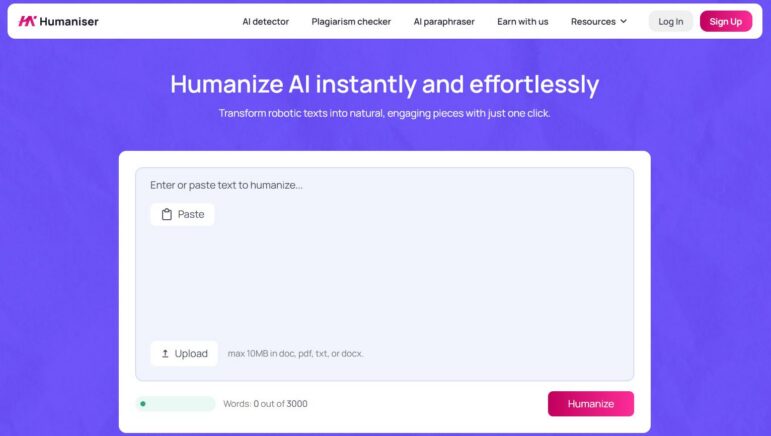
Sometimes, the problem is not whether you used AI. The problem is that your text reads like you did.
Humaniser.ai is built around that exact tension. Its humanizer AI tool rewrites robotic, generic copy into smoother and more natural language. In plain student terms, this is the tool you reach for when a draft feels flat, padded, or oddly lifeless.
The smarter move is to use it as a cleanup pass, then read the result carefully and put your own thinking back into the paragraph.
What it can help with
- Smoothing out robotic phrasing
- Making the tone feel less generic
- Improving clarity in AI-assisted drafts
- Giving you a stronger starting point for manual edits
What to watch out for
- A smoother sentence is not automatically a smarter one
- It can help readability, but it cannot replace your own examples or argument
- You still need to fact-check and personalize the output
Among the many free AI tools online students try, this one fits best at the revision stage.
AIScanner.io is useful when you need broader model detection
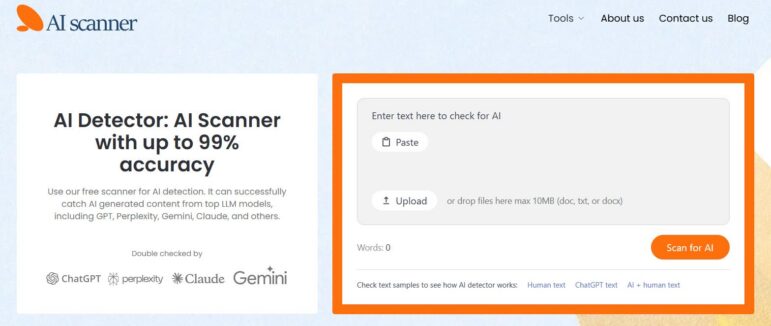
AIScanner positions itself as a highly accurate detector that checks text against patterns linked to multiple AI systems, including GPT models, Gemini, Claude, Grok, Llama, and others. It also returns a score from 0 to 100 and highlights flagged AI text. For students, that wider framing matters because university concerns are no longer limited to “Was this written by ChatGPT?”
This is where an AI detector like AIScanner becomes more than a panic button. It is helpful when you want to understand how your draft might be interpreted after paraphrasing, rewriting, or mixing your own writing with generated text.
Best reasons to use it
- Broad model coverage
- Score-based results
- Highlighted sections can show where the risk sits
- No charges when you try it
Reasons to stay realistic
- Results may vary by writing style and evasion tactics
- A score is still a signal, not a final verdict
If your goal is to compare a few best free AI tools before trusting one with a serious essay check, AIScanner deserves a look.
GPTVerify keeps things simple and refreshingly honest
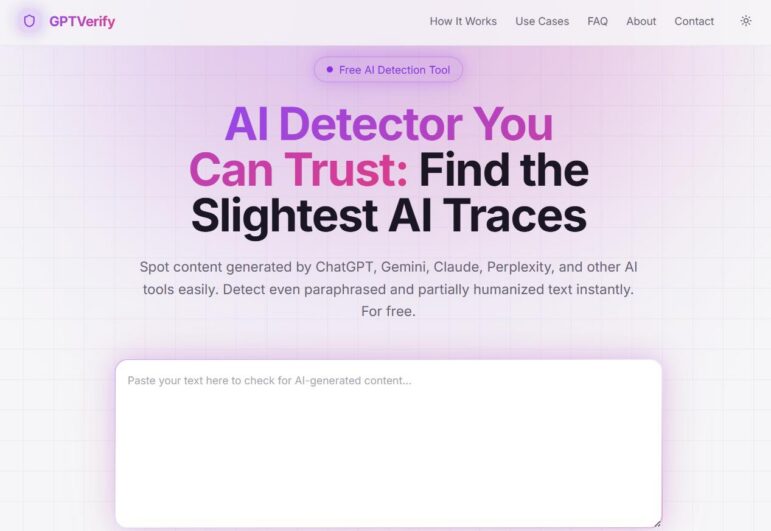
GPTVerify has one of the clearest student-friendly pitches of the group. No account is required for trial, and there is no claim that any detector is infallible. A tool that admits its limits is often easier to trust than one that acts like a machine oracle.
GPTVerify will likely appeal to students who want an AI detector free to use on the spot, without extra friction.
Why it earns a spot here
- No sign-up barrier
- No subscription required for trial
- Transparent language about limitations
- Fast enough for last-minute review passes
Where it may fall short
- If you want a giant feature stack, this is not that
- Students needing a more layered workflow may prefer another tool
For students building a personal free AI tools list, GPTVerify is an easy one to test first because the barrier to entry is basically zero.
DetectMy.ai gives students more details to work with
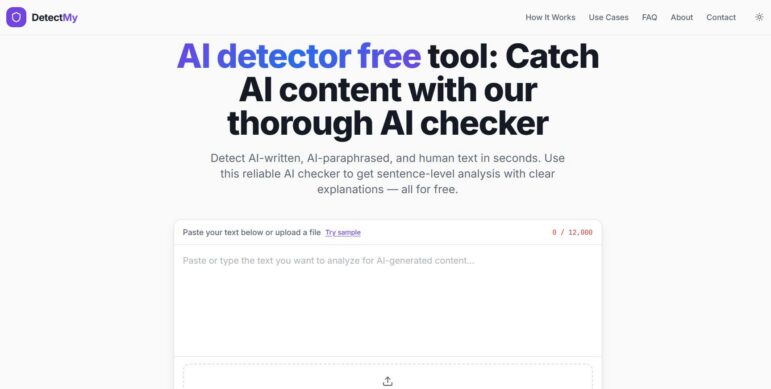
DetectMy.ai is built for users who want more than one overall score. The tool supports pasted text plus file uploads such as TXT, PDF, and DOCX up to 10 MB. DetectMy.ai offers sentence-by-sentence analysis, mixed-content detection, and guidance that longer texts usually produce better results.
That makes it especially useful when you are not asking, “Is this whole essay AI?” but rather, “Which exact parts of this essay look suspicious?” That is a better question, and it leads to better revision.
An AI text detector becomes genuinely helpful when it shows you where to edit instead of dumping one scary number on the screen. DetectMy seems designed with that in mind.
Strong points
- Sentence-level breakdown
- File upload support
- Mixed-content detection for papers that combine human and AI-assisted writing
- No account required for trial
Cautions
- Short snippets may be less reliable
- Detailed output can tempt students to over-fix instead of rewriting thoughtfully
Out of the popular AI tools in this niche, DetectMy is one of the more useful ones for targeted editing.
A quick comparison before you choose
Not every student needs the same thing. Some want a fast scan. Some need sentence-level flags. Some need help rewriting robotic text. That is why the best choice depends on the stage of writing you are in.
| Tool | Best for | Main strength | Main caution |
| Detector.io | Quick pre-submission checks | Straightforward essay scanning | 3,000-word limit |
| Humaniser.ai | Revising stiff AI-assisted drafts | Smoother, more natural wording | Needs manual review after rewriting |
| AIScanner.io | Broad AI-model checking | Wide detection scope and highlighted text | Scores still need interpretation |
| GPTVerify | Fast, no-friction use | No account and honest framing | Lighter feature set |
| DetectMy.ai | Detailed revision work | Sentence-by-sentence breakdown and file upload | Less useful for very short text |
If you have been testing the most popular AI tools without finding one that fits your workflow, this comparison should narrow the field faster.
So, which tool is the best of the best?
The best student AI tool is rarely the one with the loudest marketing. It is the one that solves the problem sitting in front of you right now.
If you need a fast scan before submission, Detector.io and GPTVerify make that easy. If your wording sounds too polished or too synthetic, Humaniser.ai is more useful as a revision helper. If you want wider model detection, AIScanner is worth testing. If you need precise sentence-level clues and file support, DetectMy.ai gives you more to work with.
Pick the tool that matches your exact stage: checking, revising, or refining. Used that way, these tools can save time and help you submit writing that sounds more like you and less like a machine trying way too hard.